Sell Order
How to Sell Crypto Tokens (DeFi Guide + Step-by-Step)
Merlin
Author
Introduction
Selling crypto tokens is just as important as buying them. Knowing when and how to exit a position can determine whether you lock in profits or take losses.
In decentralised finance (DeFi), selling tokens works differently from traditional exchanges. Instead of placing orders through an order book, trades are executed directly on-chain through decentralised exchanges.
This guide explains how selling works in crypto, why execution matters, and how to sell tokens step-by-step using Axxel.
What Does It Mean to Sell a Token?
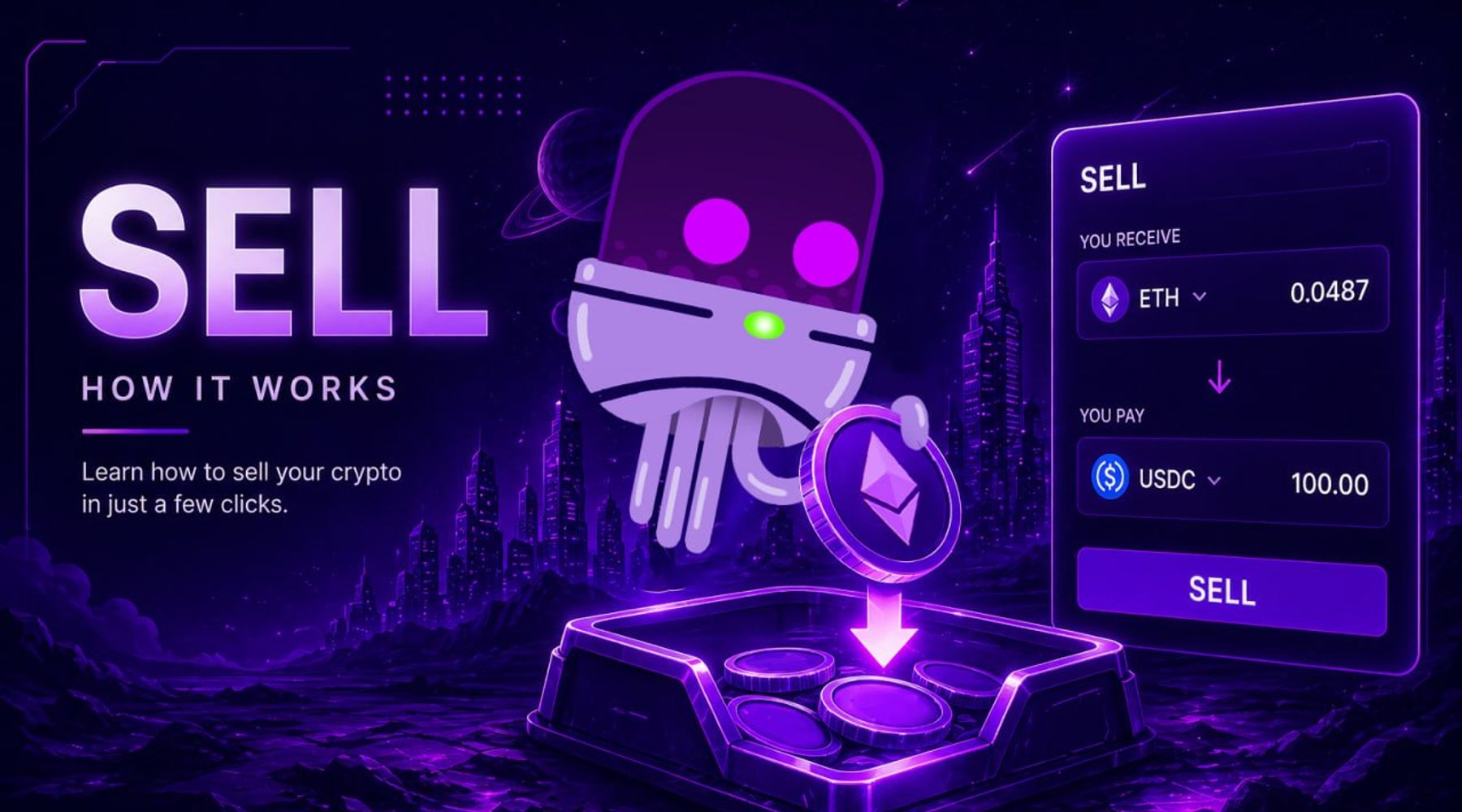
Selling a token means swapping it back into another cryptocurrency, such as ETH, BNB, or SOL.
Example:
- You hold Token XYZ
- You swap XYZ → ETH
- The transaction executes on-chain
- You receive ETH in your wallet
This process happens instantly through liquidity pools rather than traditional buyers and sellers.
Why Selling Speed Matters in Crypto
Crypto markets can move rapidly, especially in volatile tokens.
Without fast execution, traders often:
- miss profit-taking opportunities
- sell too late during price drops
- experience high slippage
Selling efficiently allows you to:
- lock in profits quickly
- reduce losses during downturns
- react instantly to market changes
How Selling Works in DeFi
On decentralised exchanges like Uniswap, PancakeSwap, or Raydium:
- Select the token you want to sell
- Choose the amount
- Confirm the transaction
- Receive the swapped token (e.g. ETH, SOL)
However, manual execution can be slow — especially during high volatility.
How to Sell Tokens Using Axxel
Axxel simplifies selling across Ethereum, Base, BSC, and Solana by automating execution.
Option 1: Using Telegram (Fastest Execution)
Steps to Sell a Token
- Open the Axxel Telegram trading bot
- Go to the SELL menu
- Select the token you want to sell
- Choose your wallet and gas settings
- Select the amount to sell
- Confirm the trade
👉 Your token will be sold instantly based on current market conditions.
Advanced Sell Options
Axxel also allows you to:
- Use limit orders to sell at a target price
- Apply trailing stop-loss to lock in profits
- Combine with automation tools for exit strategies
This gives you more control over how and when you exit trades.
Option 2: Using Web Platform (More Control)
The web platform provides a clearer interface for managing trades.
Typical workflow:
- Select token from dashboard
- Choose sell option
- Set amount and conditions
- Confirm transaction
This is ideal for:
- managing multiple positions
- tracking portfolio performance
- executing structured strategies
Real Use Cases for Selling Tokens
Traders use Axxel to:
- Take profits after price increases
- Exit losing trades quickly to reduce downside
- Sell into resistance levels
- Manage multiple positions across chains
- Automate exits using limit or trailing strategies
Risks to Be Aware Of
Selling tokens in DeFi involves risks:
- Slippage can affect final price
- Low liquidity tokens may sell at worse rates
- Fast market drops can reduce profits
- Emotional selling can lead to poor decisions
Automation helps execution, but strategy still matters.
How Traders Combine Selling with Other Tools
Selling is part of a complete trading strategy:
- Buy early using fast execution or sniping
- Hold positions based on strategy
- Use trailing stop-loss to protect gains
- Use limit orders to exit at target levels
This creates a structured and disciplined workflow.
Supported Chains
Axxel supports selling tokens across:
- Ethereum
- Base
- BSC (BNB Chain)
- Solana
Fees
Axxel charges a flat 0.9% fee per trade, with no hidden costs or subscriptions.
Example:
- Buy $1,000 → $9 fee
- Sell $1,000 → $9 fee
For full details, see the Axxel pricing page.
Conclusion
Selling tokens effectively is essential for successful crypto trading.
By using Axxel, you can:
- execute trades instantly
- manage exits across multiple chains
- automate your strategy