Multiple Wallets
How to Manage Multiple Crypto Wallets (DeFi Guide + Step-by-Step)
Merlin
Author
Introduction
Managing multiple crypto wallets is essential for traders operating across different chains, strategies, and risk levels.
In decentralised finance (DeFi), wallets are your accounts. Each wallet holds assets, executes trades, and interacts with protocols. As trading activity increases, using a single wallet becomes limiting.
This guide explains how multi-wallet management works, why it matters, and how to manage wallets step-by-step using Axxel.
What is Multi-Wallet Management?
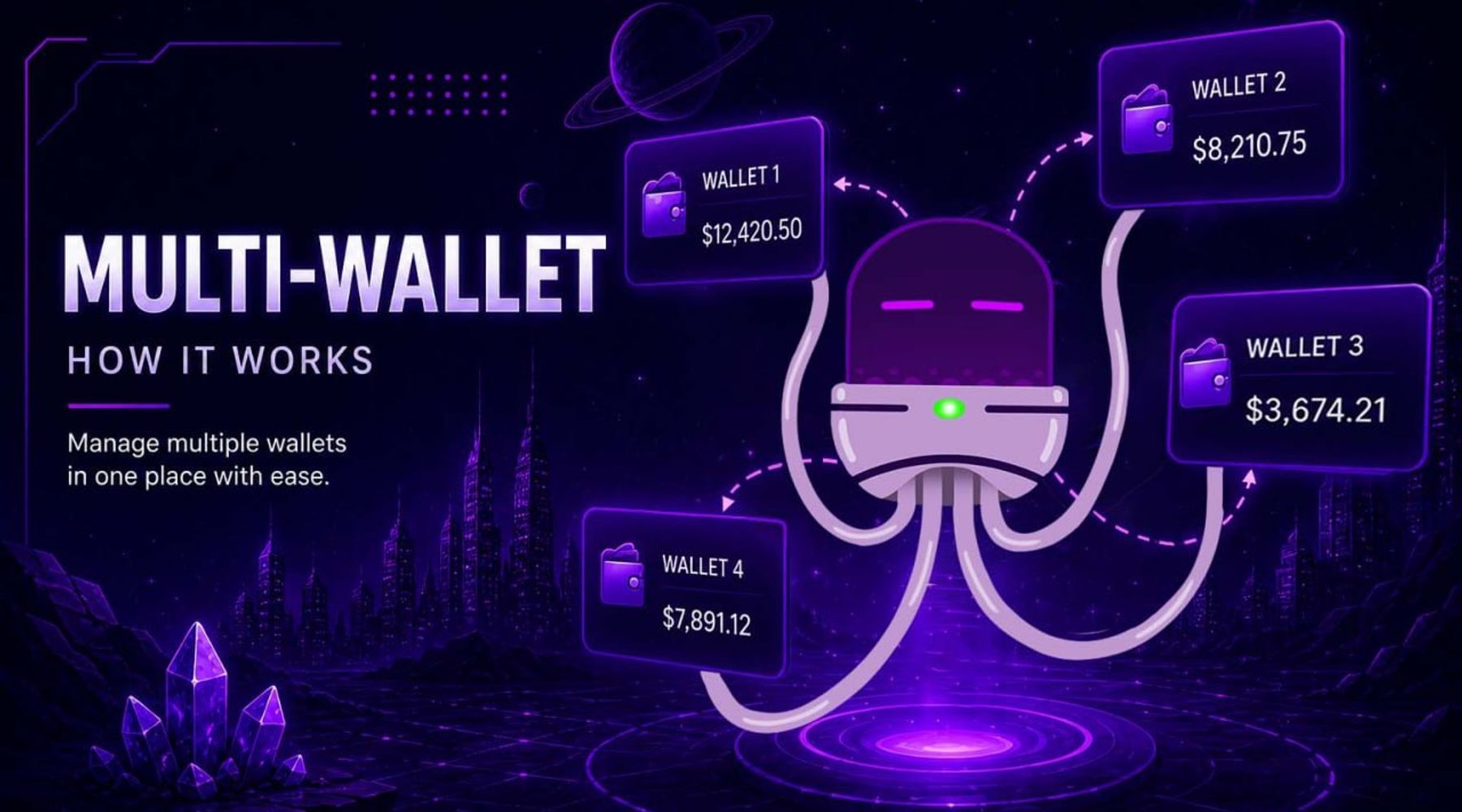
Multi-wallet management means using and controlling multiple crypto wallets from one interface.
Instead of relying on a single wallet, traders often:
- separate funds across wallets
- use different wallets for different strategies
- manage risk by isolating positions
Example:
- Wallet A → long-term holdings
- Wallet B → active trading
- Wallet C → high-risk sniping
This creates better organisation and control.
Why Multi-Wallet Management Matters
As trading becomes more advanced, a single wallet is not enough.
Without multiple wallets, traders often:
- mix strategies and risk exposure
- struggle to track performance
- face security risks from holding all funds in one place
Using multiple wallets allows you to:
- separate trading strategies
- manage risk more effectively
- organise funds across chains
- operate more efficiently
How Wallet Management Works in DeFi
Wallets interact directly with decentralised exchanges like Uniswap, PancakeSwap, and Jupiter.
Each wallet:
- signs transactions
- holds tokens
- executes trades
Managing multiple wallets manually across platforms can be complex and time-consuming.
Tools like Axxel simplify this by centralising wallet control.
How to Manage Wallets Using Axxel
Axxel allows you to create, import, and manage multiple wallets across Ethereum, Base, BSC, and Solana.
Option 1: Using Telegram (Fastest Access)
Create a New Wallet
- Open the Axxel Telegram trading bot
- Go to the Wallets menu
- Select Create
- Your new wallet is generated
- Save your private key securely
Import an Existing Wallet
- Go to the Wallets menu
- Select Import
- Paste your private key
- Confirm
👉 Your wallet is now available in Axxel.
Remove a Wallet
- Go to the Wallets menu
- Select Remove
- Choose the wallet
- Confirm removal
View Private Keys
- Go to the Wallets menu
- Select Private Keys
- Choose the wallet
👉 The private key will be displayed — store it securely.
Transfer Funds Between Wallets
- Go to the Wallets menu
- Select Transactions → Transfer
- Choose the source wallet
- Select destination wallet
- Confirm transfer
👉 Funds are transferred on-chain instantly.
Option 2: Using Web Platform (More Control)
The web platform provides a clearer overview of wallet balances and activity.
Typical workflow:
- View all wallets in dashboard
- Select wallet for detailed view
- Manage balances and transfers
- Track activity and performance
This is ideal for:
- managing multiple wallets at scale
- tracking balances across chains
- organising trading strategies
Real Use Cases for Multi-Wallet Management
Traders use multiple wallets to:
- Separate long-term holdings from active trades
- Run different strategies (sniping, copy trading, manual trades)
- Manage risk by isolating funds
- Trade across multiple chains simultaneously
- Test strategies without affecting main portfolio
Security Best Practices
Wallet management requires careful handling of private keys.
Important principles:
- Never share private keys
- Store keys securely offline
- Use separate wallets for high-risk strategies
- Regularly review wallet activity
Axxel is non-custodial, meaning you remain in full control of your wallets.
Risks to Be Aware Of
Managing multiple wallets introduces complexity:
- Losing private keys results in permanent loss of access
- Incorrect transfers can send funds to the wrong address
- Managing too many wallets can become difficult
Proper organisation and security are essential.
How Traders Combine Wallet Management with Other Features
Multi-wallet setups are often used with:
- Crypto sniping for early entries
- Copy trading across different wallets
- Limit orders for structured strategies
- Trailing stop-loss for risk management
This allows traders to operate more efficiently across multiple positions.
Supported Chains
Axxel supports wallet management across:
- Ethereum
- Base
- BSC (BNB Chain)
- Solana
Fees
Axxel charges a flat 0.9% fee per trade, with no hidden costs or subscriptions.
Example:
- Buy $1,000 → $9 fee
- Sell $1,000 → $9 fee
For full details, see the Axxel pricing page.
Conclusion
Multi-wallet management is essential for traders who want to scale their activity and manage risk effectively.
By using Axxel, you can:
- control multiple wallets from one interface
- transfer funds easily
- organise strategies across chains